Cueing tracks
How to set cue points, start tracks cleanly on the beat, use hot cues and back-cueing, and monitor the next track in your headphones.
What cueing means
Cueing is preparing the next track so it starts exactly where and when you want. It involves two skills:
- Finding the start point, usually the first kick drum or another clear downbeat.
- Monitoring privately in your headphones so the crowd hears nothing until you are ready.
Setting up your headphones
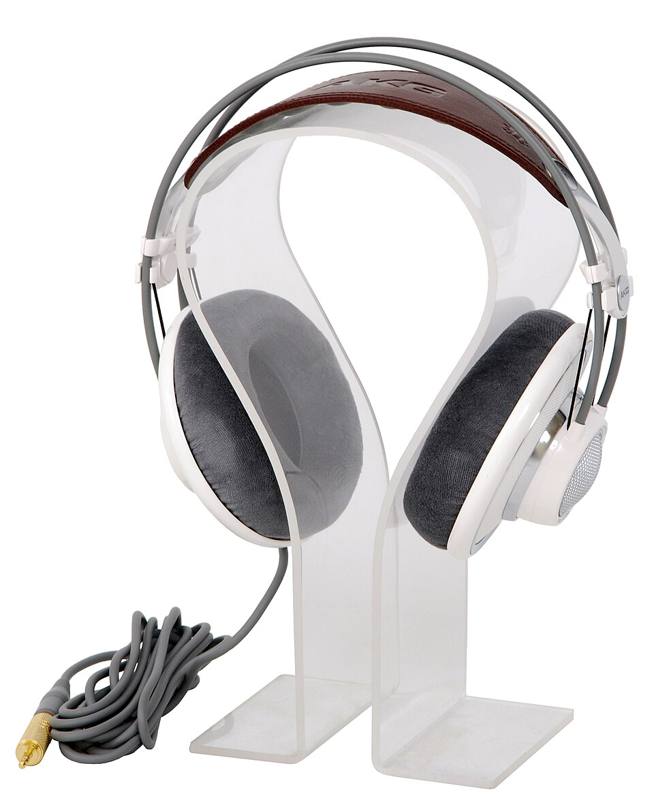
- Press the cue button (sometimes labeled PFL or headphone) on the channel of the next track.
- Use the cue/mix knob to choose what you hear: fully to cue means only the next track, centered means a blend of cue and master.
- Set headphone volume low, then raise slowly. See DJ headphones.
Many DJs listen to the cue in one ear and the room or booth monitor in the other.
Cueing on media players and controllers
- Pause the track and scrub with the jog wheel to the first beat.
- Press cue to save that point. Pressing cue again returns there.
- Holding cue plays the track from the cue point and returns when you let go. This lets you "test" the start in time with the playing track.
- Press play on the downbeat of the playing track to launch it.
Cueing on vinyl
Vinyl cueing is a physical skill:
- Drop the needle near the start of the record and listen for the first beat.
- Stop the record with your fingers while the platter keeps spinning under the slipmat.
- Rock the record back and forth over the first beat so you can hear it clearly.
- Back-cue by pulling the record back slightly before the beat, often a quarter or half turn.
- Release (or give a gentle push) on the downbeat of the playing record.
The release has to be smooth. Too hard a push and the record starts fast; too timid and it starts slow.
Hot cues
Hot cues are saved points you can jump to instantly with one button. Common uses:
| Hot cue | Typical position |
|---|---|
| A | First beat of the track |
| B | Start of the first vocal or main section |
| C | Drop or chorus |
| D | Breakdown |
| E | Start of the outro, where you can mix out |
Using the same color and order on every track saves thinking time during a set. Many DJs prepare hot cues at home while listening through new music.
Common cueing problems
- Starting late. Practice tapping play on the beat with a metronome, then with a track.
- Starting on the wrong beat. Make sure your cue sits on beat one of a bar, not beat two or three. See beats, bars and phrases.
- Hearing the wrong track in headphones. Check which cue buttons are lit before you start.
- Cueing too late in the playing track. Start preparing the next track as soon as the current one is safely playing. Give yourself time.
Cue the next track during the first minute of the current one. Load, set the cue point, check the start and the key, then relax. Rushed cueing causes most beginner trainwrecks.
Drills
- Load a track, set a cue on the first kick, and launch it on beat with a metronome ten times.
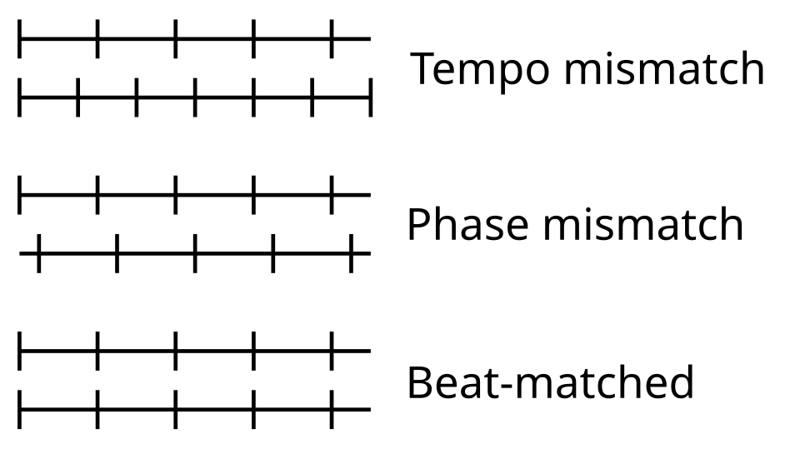
- Launch the cued track on the downbeat of a playing track, then immediately check the match by ear. Move on to beatmatching.
- Prepare five hot cues on five tracks using the color system above.