DJ software explained
A neutral look at Serato DJ, rekordbox, Traktor, VirtualDJ and other DJ apps, what each is known for, and how to pick one without regret.
What DJ software does
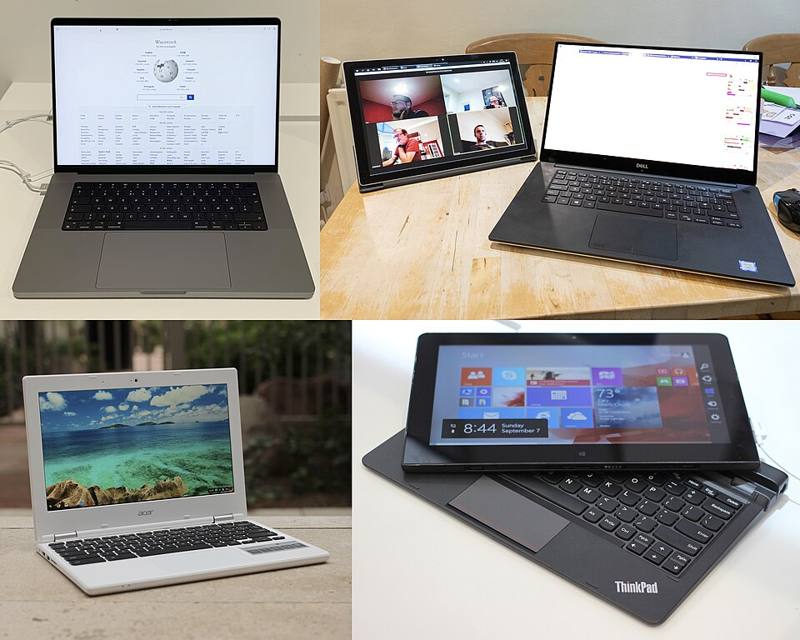
DJ software plays your tracks, displays waveforms, analyzes tempo and key, manages your library and responds to your controller, turntables or media players. Some apps also prepare USB drives for club players. Most of the time, your choice of software is tied to your hardware, so think about both together.
The main platforms
| Software | Known for | Hardware focus | Pricing model |
|---|---|---|---|
| Serato DJ | Popular with hip hop and open-format DJs, strong turntable (DVS) support | Many controllers and mixers from several brands | Free Lite version, paid Pro and add-ons |
| rekordbox | Library prep for Pioneer DJ and AlphaTheta club players; also a performance app | Pioneer DJ and AlphaTheta hardware | Free core features, subscription plans for more |
| Traktor Pro | Flexible effects, remix and stem features | Native Instruments hardware, MIDI mapping | Paid license |
| VirtualDJ | Very broad hardware support, video mixing, early adopter of real-time stems | Hundreds of controllers | Free for home use, paid for professional use |
| Engine DJ | Library software for Denon DJ and other standalone units | Denon DJ, Numark and related standalone players | Free desktop app |
| djay | Mobile and desktop apps with streaming support | Tablets, phones and selected controllers | Free and subscription tiers |
Pricing and plans change often, so check each developer's website for current details.
Features most apps share
- BPM and beat grid analysis for sync and beat-locked loops.
- Key detection, usually shown in standard notation and sometimes in the Camelot system. See harmonic mixing.
- Hot cues, loops and saved cue points.
- Effects such as echo, filter and reverb.
- Recording your mix to a file.
- Streaming integration with selected services, which requires an internet connection and a subscription.
- Stem separation, which splits a track in real time into parts such as vocals, drums and bass. Most major apps now offer some version of this.
DVS: software with real turntables
A digital vinyl system uses timecode vinyl or timecode CDs. The record carries a control tone instead of music, and the software reads it to follow your hand movements. Serato DJ Pro and Traktor are well known for this, and rekordbox and VirtualDJ support it too. You need a compatible audio interface or mixer.
How to choose
- Start from hardware. If you own a controller, use the software it is designed for.
- Think about where you will play. If your local clubs use networked media players, you will need to prepare USB drives in the matching library app, even if you practice in something else.
- Check your computer. Confirm the app supports your operating system version and that your laptop meets the minimum specs.
- Try before you pay. Most apps have a free version or trial.
Switching software later is possible. Several tools can convert playlists and cue points between apps, but they are not perfect. Organize your music files in clear folders outside any app so your collection is never locked into one program.
Keep your library healthy
- Use a consistent folder structure, such as genre then year.
- Fix tags (artist, title, genre, BPM) before importing.
- Back up your music and your software's database files regularly.
- Delete low-quality duplicates. Aim for 320 kbps MP3 or lossless files from legitimate sources.
Software makes many tasks automatic, but your ears still matter. Practice beatmatching by ear even if you plan to use sync.